The Hidden Price of Poor Employee Offboarding
Employee offboarding security gaps leave accounts active, devices unrecovered, and credentials exposed. Close every door before a departure becomes a breach.
Key Takeaways
- Revoke all system access on the employee's last day, not days or weeks later.
- Shared passwords must be rotated immediately after any staff departure.
- Retrieve company devices before the exit meeting ends — never arrange collection later.
- Access log reviews catch dormant accounts and data exfiltration that routine steps miss.
- A documented offboarding checklist reduces human error and satisfies audit requirements.
Employee offboarding security failures happen when organisations treat a departure as an HR event rather than a security event. Without a structured process covering account revocation, device retrieval, credential rotation, and access log review, a former employee — or anyone who obtains their credentials — can re-enter your systems long after their last day.
Why Does Offboarding Create Security Gaps?
Most organisations focus offboarding energy on paperwork, final pay, and knowledge transfer. IT access becomes an afterthought — handled informally, or delegated to someone without a complete picture of every system the employee touched.
The result is lingering access: active accounts, unreturned devices, and unchanged shared passwords that remain open well after employment ends. Former employees retain the same access paths they used every working day.
How Do You Revoke Access Correctly?
Disable the account on the final day
On the employee's last day, disable their account in your identity provider — such as Microsoft Entra ID or Google Workspace — before the exit meeting ends. Disabling preserves audit trails you may need later; deleting removes that evidence.
Audit every application separately
Your central identity system may not cover every tool the employee used. Check each of the following individually:
- Cloud storage and file-sharing services (OneDrive, SharePoint, Google Drive)
- Project management and communication tools (Teams, Slack, Asana)
- Finance or billing platforms with direct logins
- Third-party vendor portals where the employee held personal credentials
Do not assume single sign-on covers everything — it rarely does.
What Should You Do About Company Devices?
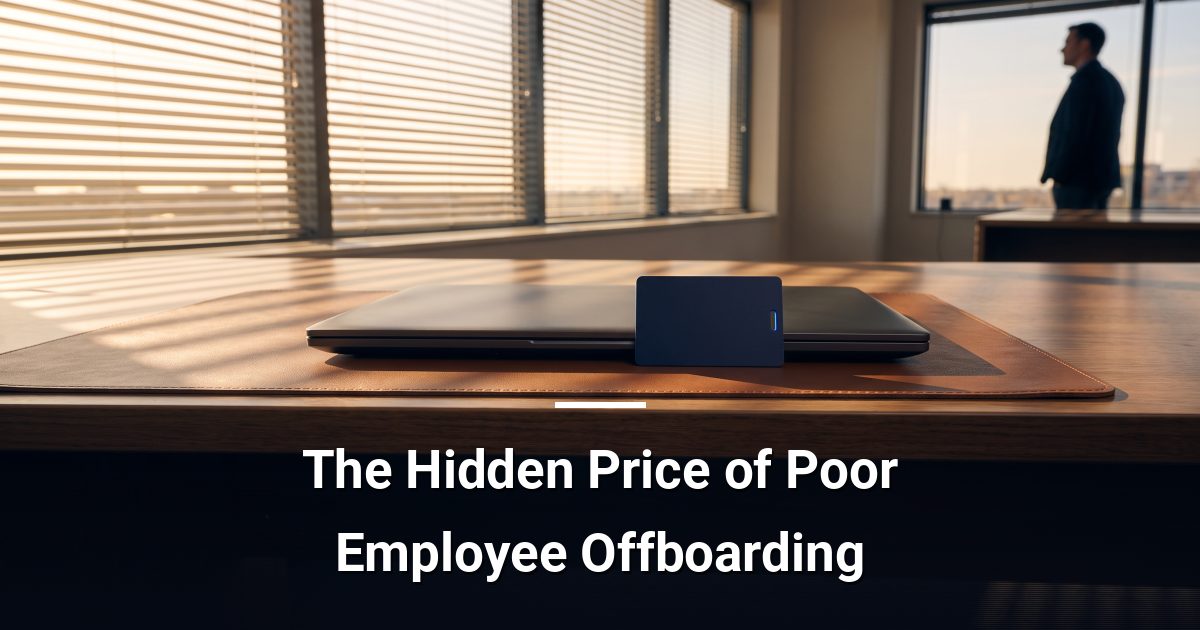
Retrieve all company-issued equipment — laptops, phones, tokens, and access cards — before or during the exit meeting. A device outside your physical control is a device you cannot fully trust, regardless of remote-wipe capability.
Once retrieved, wipe the device using your mobile device management (MDM) tool before reassigning it. If a device cannot be recovered, trigger a remote wipe immediately, revoke any certificates or VPN credentials tied to it, and document the attempt as a potential security incident.
Why Does Credential Rotation Matter?
Shared credentials — team email inboxes, social media accounts, vendor portals, and Wi-Fi passwords — are the most commonly overlooked offboarding step. The departing employee knows these passwords, and they do not expire automatically.
Rotate every shared credential the employee had access to on the same day as their departure. Update your password manager and notify remaining team members. This single step closes a disproportionate number of post-departure exposure paths.
How Do You Review Access Logs After Departure?
After disabling the account, run an access log report covering the 30 days prior to departure. Look for:
- Unusual download volumes or bulk file exports
- Logins outside normal working hours
- Access to systems outside the employee's usual role
- Failed login attempts after the account was disabled
This review catches potential data exfiltration before departure and confirms your revocation steps actually worked.
Document every action taken
Record the date and time each access was revoked, who performed the action, and which devices were retrieved. This documentation protects you during an audit and provides a clear record if an incident is investigated later.
Are There Accounts You Did Not Know Existed?
Shadow IT — tools employees adopt without formal IT approval — creates accounts your standard checklist will not catch. Run a periodic SaaS discovery audit to identify applications connected to your corporate domain. Any application that accepts your company email address as a login is a potential offboarding gap worth closing.
Strengthen Your Offboarding Process This Week
Work through this checklist against your most recent departure and identify which steps were skipped or delayed. If you find gaps — or want a professional review of your access controls and offboarding procedures — request a cybersecurity risk assessment from MYDWARE and get a clear picture of where your exposure lies.
Darryl Cresswell
CEO & President
MYDWARE IT Solutions Inc.