What Is the Cloud? A Plain-English Guide for Business Owners
Confused about cloud storage for business? This plain-English guide explains where your data lives, who manages it, and what it means for your security.
Key Takeaways
- Cloud storage for business means your files and software live on remote servers, not in your office.
- The physical location of your data affects your legal obligations under Canadian privacy law.
- Cloud providers manage the hardware — but you remain responsible for backups, access, and user accounts.
- Most small businesses already use the cloud through email and file-sharing tools without realising it.
- Weak access controls and absent backups are the most common cloud security gaps for small businesses.
Cloud storage for business means your files, software, and data are stored on remote servers — maintained by a third-party provider and accessed through the internet — rather than on a physical hard drive or server in your office. In practical terms, it changes where your work lives, who keeps the hardware running, and what happens when something goes wrong.
Where Does Your Data Actually Live?
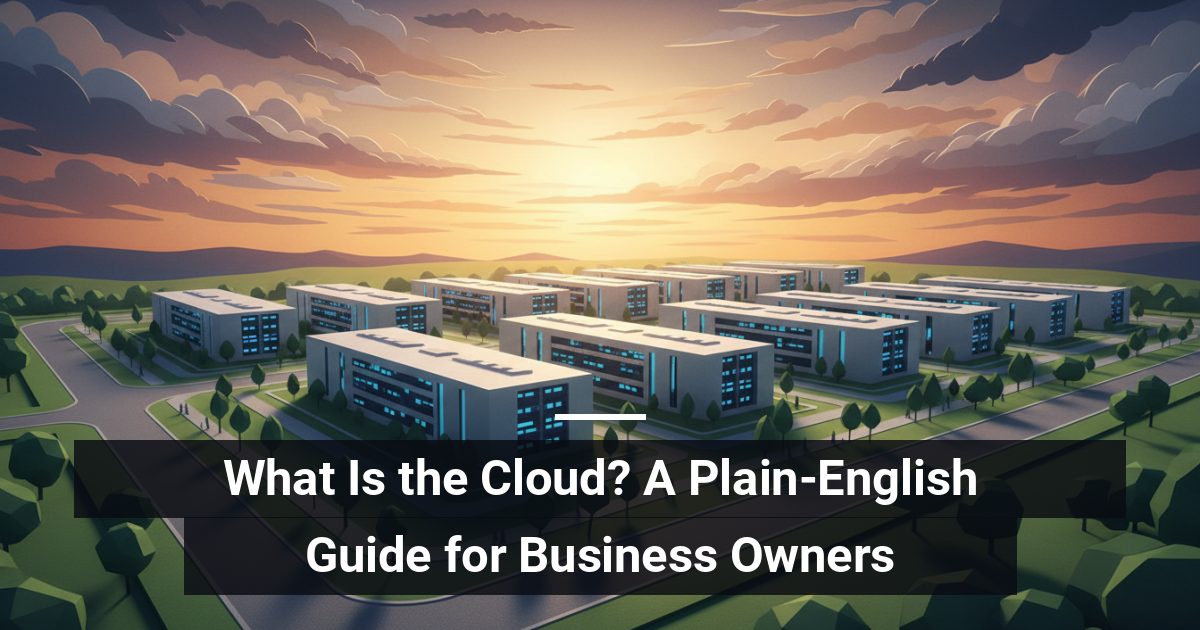
When you save a file to a cloud service, it travels over the internet to a data centre — a large, climate-controlled facility full of servers owned by a provider such as Microsoft, Google, or Amazon. That facility could be in Canada, the United States, or elsewhere entirely.
The physical location of your data matters for legal and regulatory reasons. Canadian privacy law, including PIPEDA, places obligations on how personal information is stored and transferred across borders. If your provider stores data outside Canada, you need to understand what that means for your clients' information before you sign up.
What Is the Difference Between Public, Private, and Hybrid Cloud?
Public Cloud
Your data shares infrastructure with other businesses, though it remains logically separated. Microsoft 365 and Google Workspace are everyday examples. It is cost-effective and easy to scale, but you have less direct control over where data physically sits.
Private Cloud
Servers are dedicated solely to your organisation, either hosted at a data centre or on-site. You get more control and can meet stricter compliance requirements, but the cost is higher.
Hybrid Cloud
A mix of both. Sensitive data stays in a private environment while everyday tools run on public platforms. Many growing businesses in the GTA and Simcoe County land here as their needs evolve.
Who Actually Manages Your Cloud Environment?
This is where business owners are often caught off guard. Cloud providers manage the hardware and the network — but they do not manage your data, your user accounts, or your backups by default. If an employee accidentally deletes a folder, or ransomware encrypts your files, recovery depends entirely on the backup and access controls you have set up yourself.
Think of it like renting office space. The landlord maintains the building, but you are responsible for everything that happens inside your suite.
How Does the Cloud Change Day-to-Day Operations?
Moving to the cloud affects three things your team notices every day:
- Accessibility: Staff can work from any location with an internet connection, supporting remote and hybrid work without complex setup.
- Reliability: Reputable providers offer high uptime, reducing downtime from hardware failures compared to a single in-office server.
- Cost structure: You shift from buying and replacing hardware to a predictable monthly fee — easier to budget and easier to scale as you grow.
What Are the Risks You Should Not Ignore?
Convenience can create a false sense of security. The most common gaps are weak passwords with no multi-factor authentication (a second verification step beyond your password), no independent backup of cloud data, and unclear policies about which staff can access what.
If your business handles sensitive client information — financial records, health data, or legal documents — the stakes are higher. A misconfigured cloud account can expose that data just as easily as a lost laptop. The configuration choices you make when setting up cloud services matter as much as the provider you choose.
Ready to Make Sure Your Cloud Setup Is Actually Secure?
MYDWARE helps businesses across the GTA and Simcoe County assess how their cloud environments are configured, identify gaps in access controls and backups, and build a setup that supports the way they actually work. Start with a
Darryl Cresswell
CEO & President
MYDWARE IT Solutions Inc.