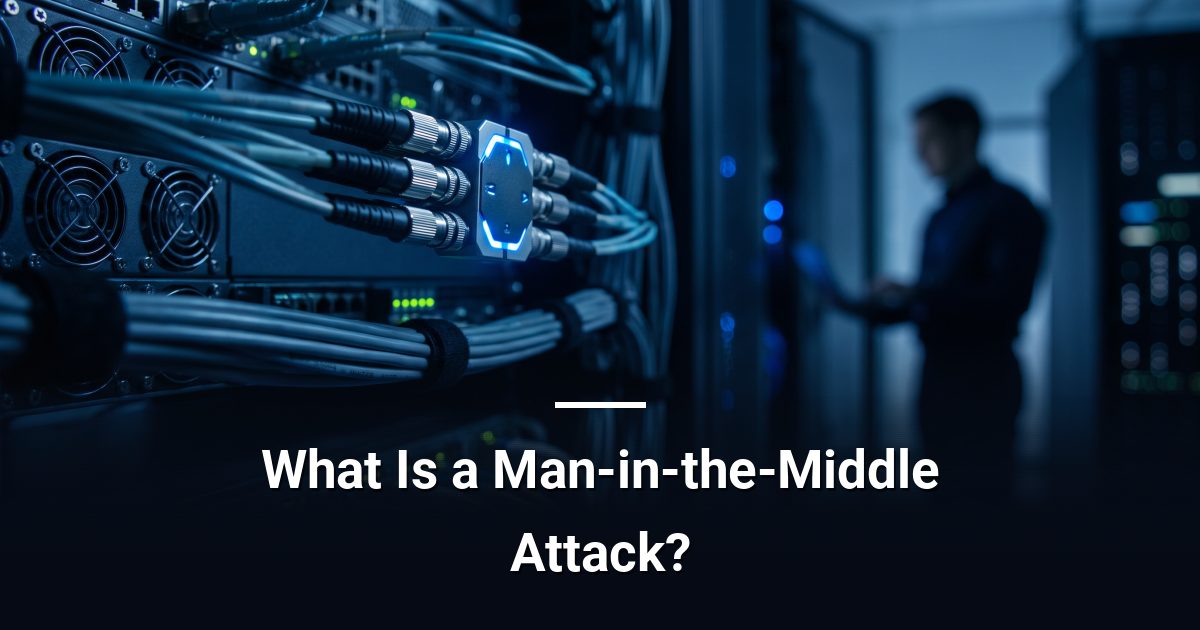
What Is a Man-in-the-Middle Attack?
A man-in-the-middle attack silently intercepts data between two parties. Understand how it works and which defences actually stop it.
Key Takeaways
- A man-in-the-middle attack intercepts data in transit without either communicating party knowing.
- Public and poorly secured Wi-Fi networks are a common environment for these attacks.
- TLS encryption and certificate validation are the primary technical defences against interception.
- Multi-factor authentication limits damage even when login credentials are captured in transit.
- Dismissing browser certificate warnings is one of the most common ways interception goes undetected.
A man-in-the-middle attack occurs when an attacker secretly positions themselves between two communicating parties — such as your browser and a website — to intercept, read, or alter data in transit. The core danger of a man-in-the-middle attack is that neither party realises the connection has been compromised, so the session appears completely normal.
How Does a Man-in-the-Middle Attack Actually Work?
Think of it like a postal worker who opens your mail, reads it, reseals the envelope, and sends it on. Both you and the recipient believe the letter arrived untouched.
In practice, an attacker inserts themselves into the communication path and can then do three things:
- Eavesdrop — silently read credentials, session tokens, or sensitive data as it passes through.
- Alter data — modify the content of a request or response before forwarding it.
- Impersonate — pose as a trusted server so the victim willingly sends sensitive information.
Where Do These Attacks Happen?
Public and poorly secured Wi-Fi
Unsecured wireless networks are a frequent attack environment. An attacker on the same network can redirect traffic through their own device before it reaches its destination. Any unencrypted connection on a shared network is readable by anyone with the right software.
ARP and DNS poisoning
Attackers can also manipulate low-level network protocols. ARP poisoning tricks devices on a local network into routing traffic to the attacker's machine. DNS poisoning redirects a legitimate domain name to a fraudulent server — so you type the right address but land somewhere else entirely.
SSL stripping
Some attacks downgrade a secure HTTPS connection to plain HTTP without the user noticing. The padlock disappears, but many people do not check. The session then travels in plain text.
What Actually Stops a Man-in-the-Middle Attack?
No single control eliminates the risk, but layering several defences together makes interception extremely difficult.
- TLS encryption — Transport Layer Security (the standard behind HTTPS) scrambles data in transit so intercepted packets are unreadable without the decryption key.
- Certificate validation — Browsers verify that a server's digital certificate is legitimate and issued by a trusted authority. Warnings about invalid certificates often signal an active interception attempt, not a minor glitch.
- Multi-factor authentication (MFA) — Even if a password is captured in transit, MFA requires a second proof of identity the attacker does not have.
- VPN on untrusted networks — A virtual private network creates an encrypted tunnel from your device to a trusted endpoint, shielding traffic from local network attackers.
- HTTP Strict Transport Security (HSTS) — This browser policy forces HTTPS connections and blocks SSL stripping by refusing to load a site over plain HTTP.
Why Do Browser Warnings Matter More Than You Think?
When your browser displays a certificate error or warns that a connection is not private, it has detected something wrong with the server's identity verification. Clicking through that warning is the digital equivalent of ignoring a fire alarm. Train everyone in your organisation to treat those warnings as a hard stop, not a minor inconvenience to dismiss.
What Should You Do Right Now?
Audit the networks your team connects to. Confirm that every internal and customer-facing application enforces HTTPS. Require MFA on all accounts. Set a clear policy against using public Wi-Fi without a VPN. None of these steps demand advanced technical knowledge — they demand consistent application and follow-through.
Get a Clear Picture of Your Exposure
If you are unsure whether your current setup adequately defends against interception attacks, book a no-obligation cybersecurity risk assessment with MYDWARE IT Solutions Inc. and leave with a concrete, prioritised action plan.
Darryl Cresswell
CEO & President
MYDWARE IT Solutions Inc.