Protect Your Social Media Accounts with MFA
If you use social media in 2021 you should be using MFA (Multi-Factor or Two Factor Authentication) to keep your accounts secure. Today we will show you how to enable this for Instagram.

If you use social media in 2021 you should be using MFA (Multi-Factor or Two Factor Authentication) to keep your accounts secure. Today we will show you how to enable this for Instagram.
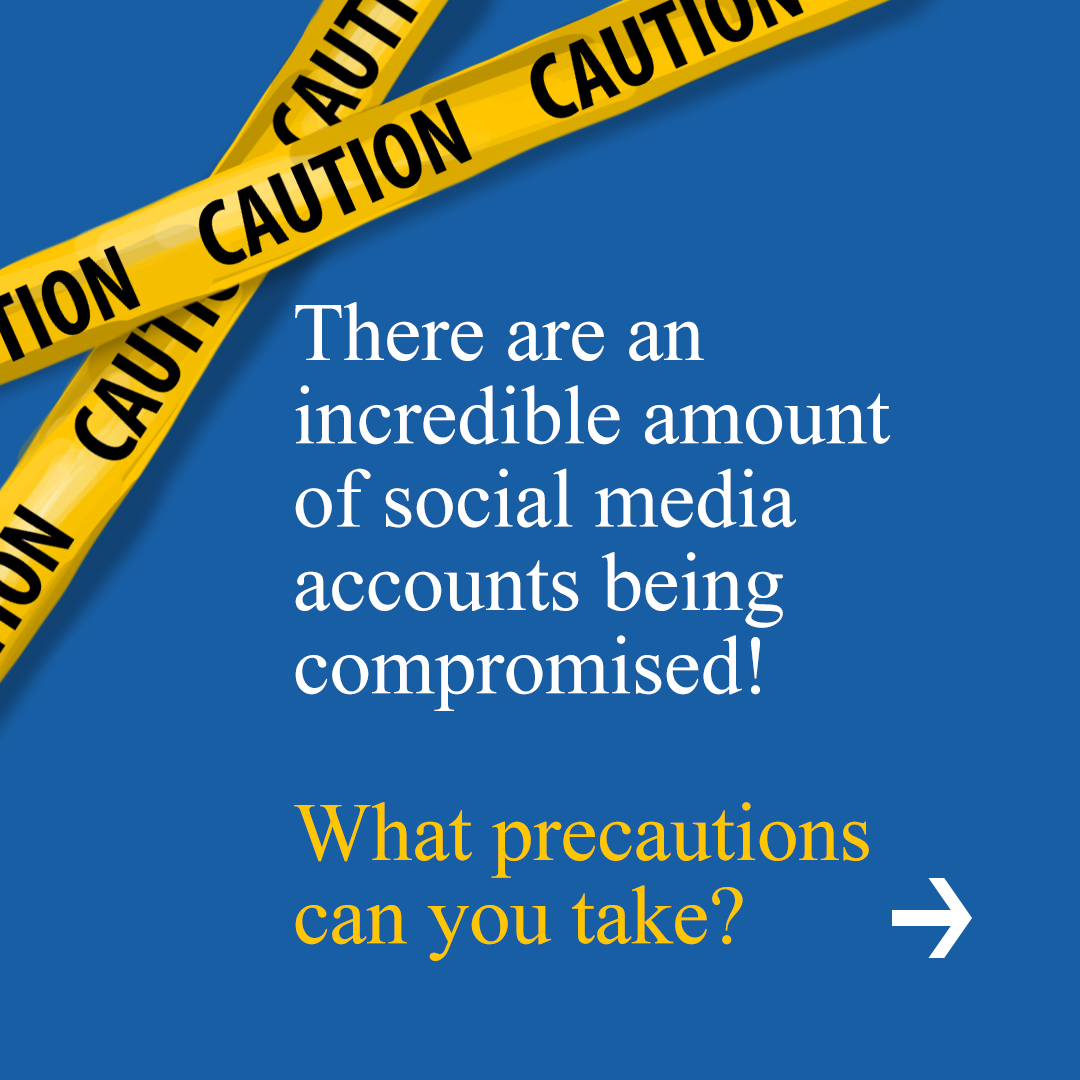
There are an incredible amount of social media accounts being compromised! What precautions can you take?
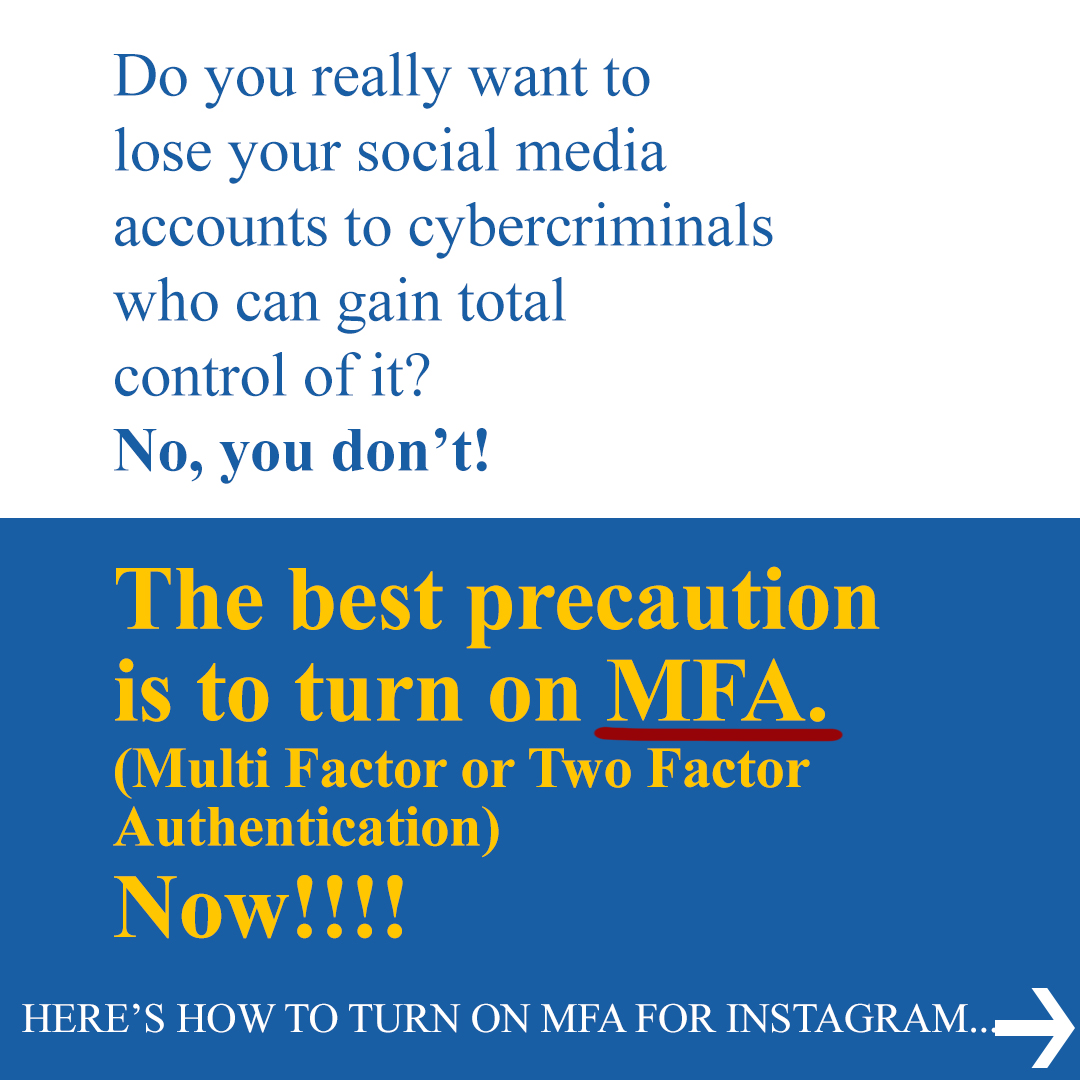
Do you really want to lose your social media accounts to cybercriminals who can gain total control of it? No, you don’t! The best precaution is to turn on MFA. (Multi-Factor or Two Factor Authentication) Now!!!! HERE’S HOW TO TURN ON MFA FOR INSTAGRAM...
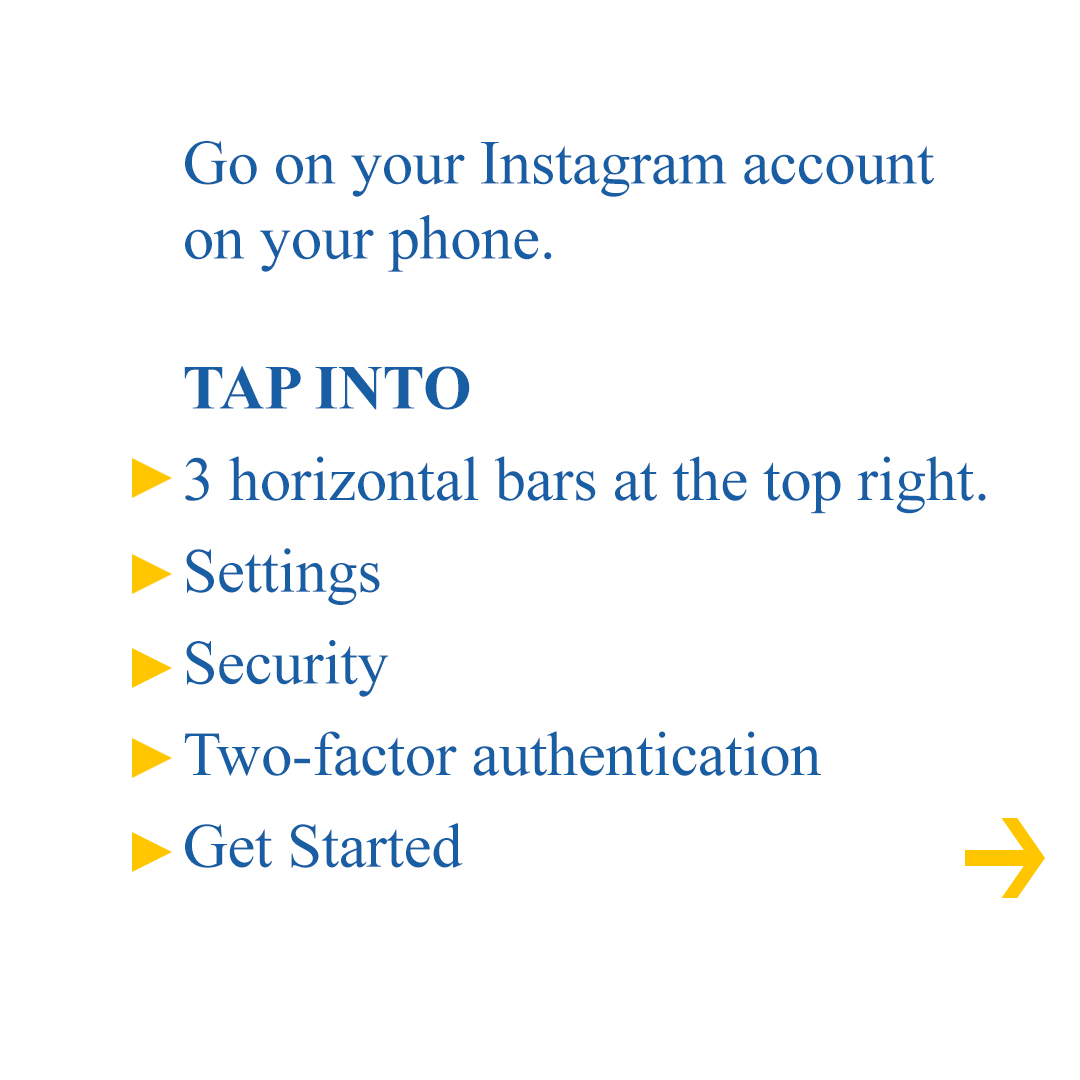
Go on your Instagram account on your phone. TAP INTO 3 horizontal bars at the top right. Settings >> Security >> Two-factor authentication >> Get Started
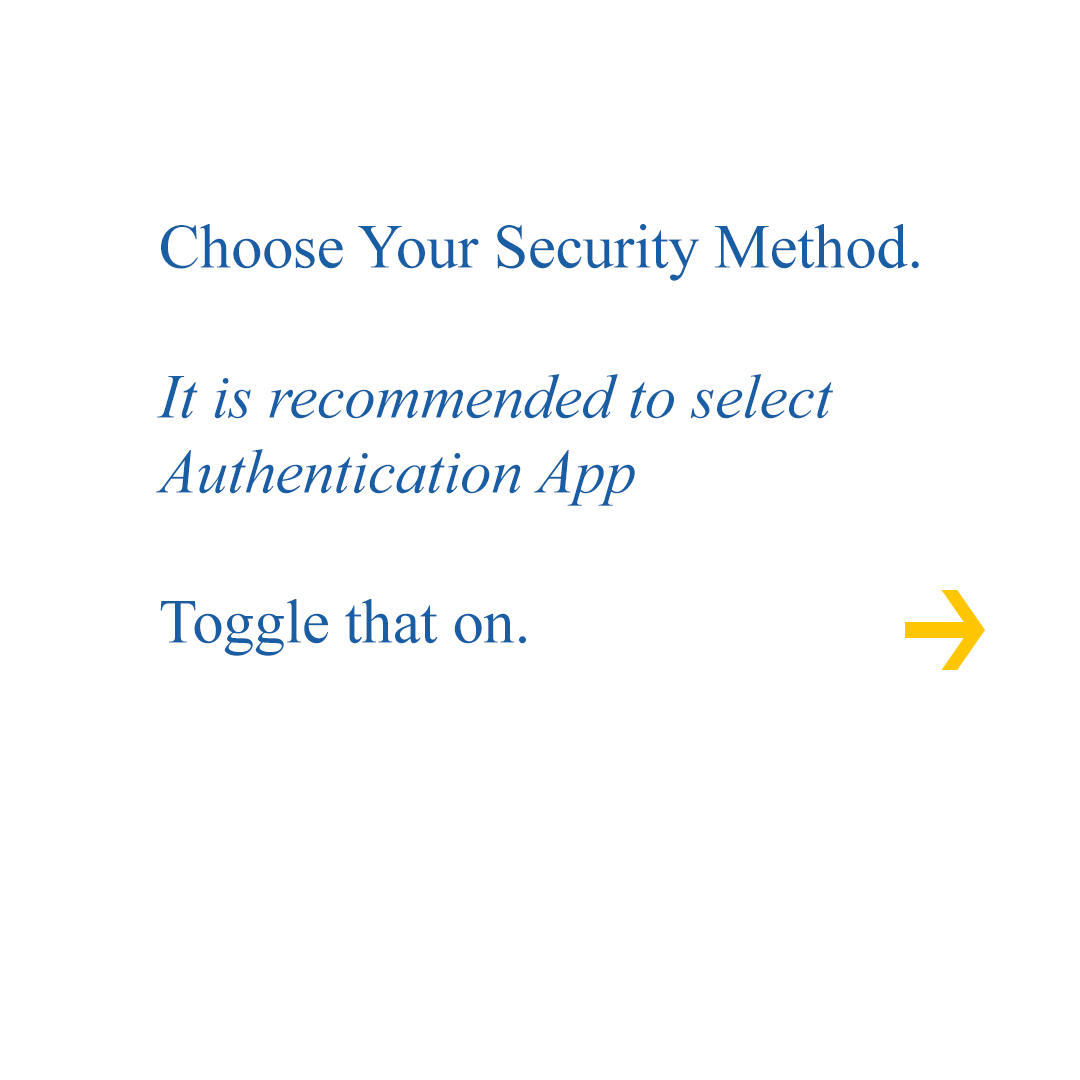
Choose Your Security Method. It is recommended to select Authentication App. Toggle that on.
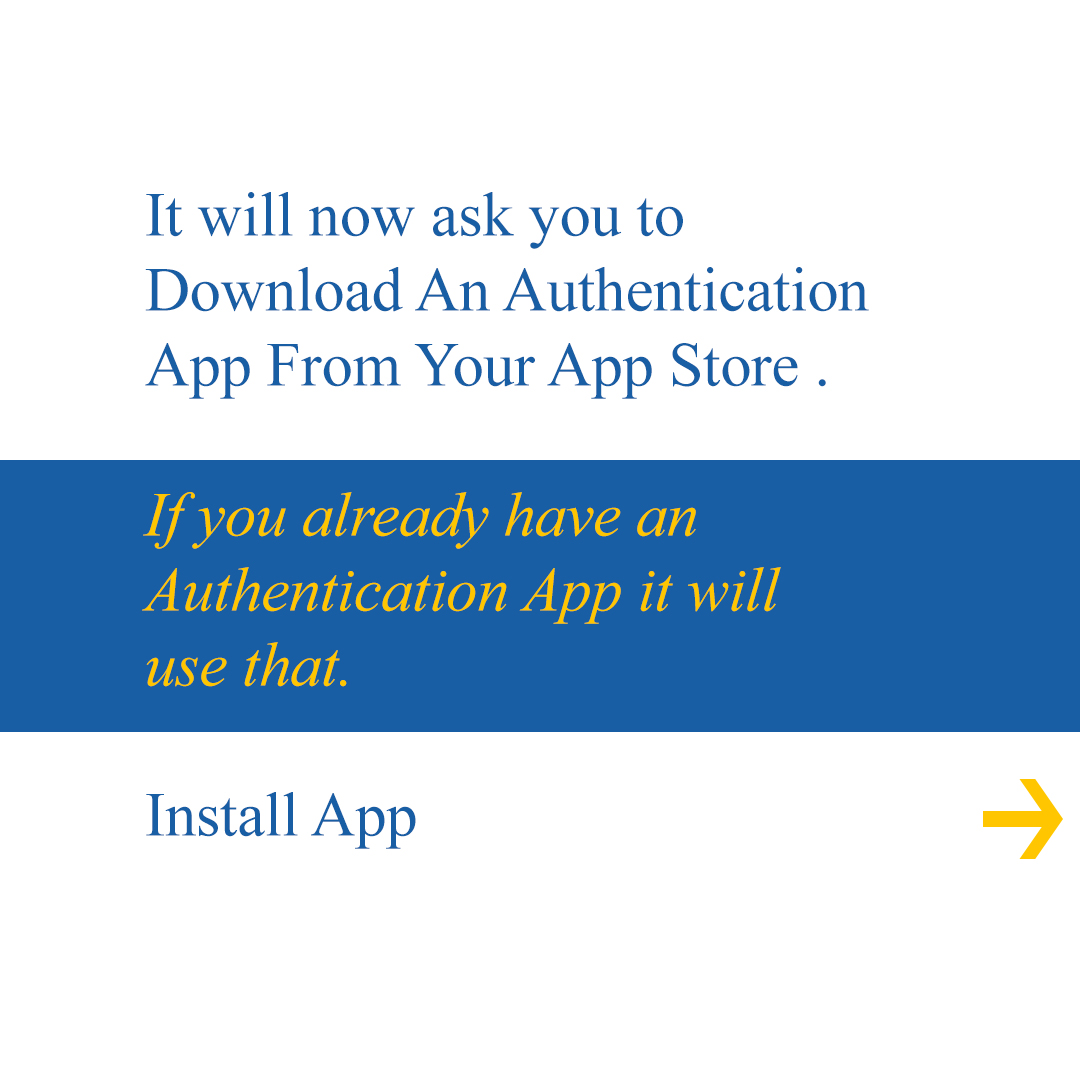
It will now ask you to Download An Authentication App From Your App Store. If you already have an Authentication App it will use that. Install App.
Then you will go to your Authentication App to get your 6 digit code from your Authentication App. Go back to Instagram to Enter Code. Done!
MFA is now on and you have your extra layer of security on Instagram.
Turn on MFA for all social media accounts that allow you to. These steps are similar for most social media accounts. MFA gives you the extra security that you need to be safe.
It takes little effort to set up MFA and it is well worth it because once you are hacked, there is the very real possibility that you will never regain access to your social media accounts! These cybercriminals can and WILL post anything they want to all your friends, customers, and coworkers. Be cybersafe NOW!

Darryl Cresswell
CEO & President
MYDWARE IT Solutions Inc.