Microsoft 365 Is Not Secure Out of the Box
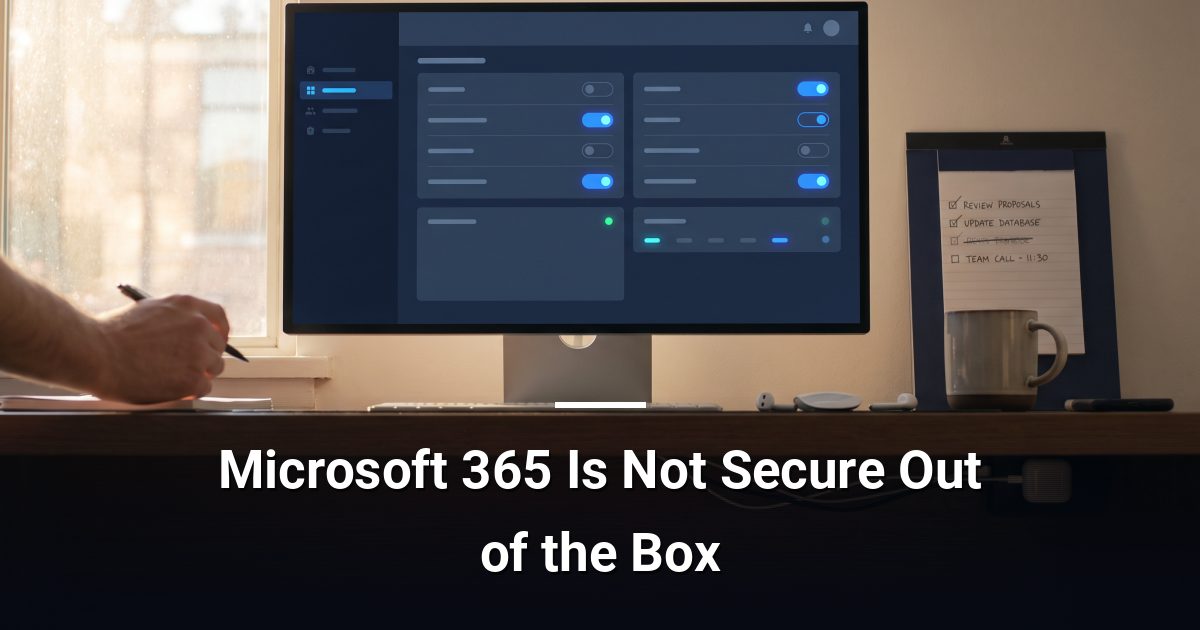
Microsoft 365 security settings are not fully hardened by default. This practical guide covers the admin controls that close the gaps without disrupting your team.
Key Takeaways
- Microsoft 365 ships with permissive defaults that require deliberate hardening before your environment is properly protected.
- Enabling multi-factor authentication for every account is the single highest-impact change you can make immediately.
- Conditional access policies let you block risky sign-ins based on device, location, and role without disrupting staff.
- Restricting anonymous sharing links in SharePoint and OneDrive closes one of the most common accidental data-leak paths.
- Audit logs and alert policies give you early warning of account compromise before a small incident escalates.
Microsoft 365 security settings are not fully hardened when your tenant is first created. Microsoft ships the platform with permissive defaults designed for ease of use, which means critical controls — from multi-factor authentication to external sharing — are either off or under-configured until an administrator deliberately changes them.
Why Do Default Settings Leave You Exposed?
Out of the box, Microsoft 365 prioritises frictionless access. That is convenient on day one, but permissive defaults are among the most common entry points attackers exploit in cloud environments. Legacy authentication protocols, for example, bypass modern security checks entirely and remain enabled in many tenants unless an administrator turns them off.
How Do You Harden Authentication?
Start here — authentication is the front door to your environment.
- Enable multi-factor authentication (MFA) for every account. MFA requires a second verification step beyond a password. Use the Microsoft Authenticator app rather than SMS where possible, as SMS codes can be intercepted.
- Block legacy authentication protocols such as IMAP, POP3, and basic SMTP. These older methods cannot enforce MFA and should be disabled via a conditional access policy.
- Enable Security Defaults if your organisation has not yet configured granular conditional access. It is a single toggle that enforces MFA and blocks legacy authentication automatically.
What Are Conditional Access Policies and Why Do They Matter?
Conditional access policies are rules that evaluate every sign-in attempt against a set of conditions — device compliance, location, user role — before granting access. They let you block suspicious logins without inconveniencing staff who sign in normally.
- Require compliant or Azure AD-joined devices for access to sensitive applications.
- Block sign-ins from countries your team never works from.
- Enforce MFA specifically for administrator accounts, even if standard users are exempt.
A policy that requires MFA for all admin roles is the single most effective conditional access rule you can enable today.
How Do You Limit External Sharing?
SharePoint Online and OneDrive default to allowing users to share files with anyone using a link — no sign-in required. That is a significant data-exposure risk for any organisation handling client or financial information.
- In the SharePoint admin centre, set the external sharing level to Existing guests only or New and existing guests rather than Anyone.
- Set expiry dates on any sharing links sent to external parties.
- Disable the Anyone with the link option entirely if your work does not require it.
Restricting anonymous sharing links closes one of the most common accidental data-leak paths in Microsoft 365.
Are Your Audit Logs and Alerts Turned On?
Microsoft 365 includes a unified audit log that records user and administrator activity across Exchange, SharePoint, Teams, and more. It is not always active on older tenants and should be verified.
- Confirm audit logging is enabled in the Microsoft Purview compliance portal.
- Configure alert policies to flag mass file downloads, impossible-travel sign-ins, and forwarding rules that redirect email to external addresses.
- External email-forwarding rules created by attackers are a hallmark of account compromise — an alert catches this within minutes rather than weeks.
A Few More Controls Worth Checking
- Review which third-party apps have been granted OAuth consent to your tenant data and revoke any you do not recognise.
- Enable Defender for Office 365 Safe Links and Safe Attachments to inspect suspicious URLs and files before they reach inboxes.
- Confirm that global administrator accounts are cloud-only, carry no licences, and are protected with phishing-resistant MFA.
Ready to Work Through This Checklist?
Hardening Microsoft 365 security settings is methodical, ongoing work — your configuration needs revisiting as your team and tools evolve. If you would like a second set of eyes on your tenant, book a cybersecurity risk assessment with MYDWARE and we will identify the gaps before an attacker does.
Darryl Cresswell
CEO & President
MYDWARE IT Solutions Inc.