Fake Interac E-Transfer Texts Targeting Ontario Contractors
Fraudsters send fake Interac SMS messages to Ontario contractors. Learn how to spot the scam and protect your trades business from payment fraud.
Key Takeaways
- Always log in to your bank directly to confirm a deposit before releasing goods or starting work.
- Legitimate Interac e-transfers never require you to click an SMS link — funds arrive automatically on auto-deposit.
- Scammers target contractors because invoice values are high and scheduling pressure makes verification easy to skip.
- Train every team member who handles payments to verify deposits through your actual banking app, not a text link.
- A cybersecurity risk assessment can identify gaps in your payment verification process before fraud occurs.
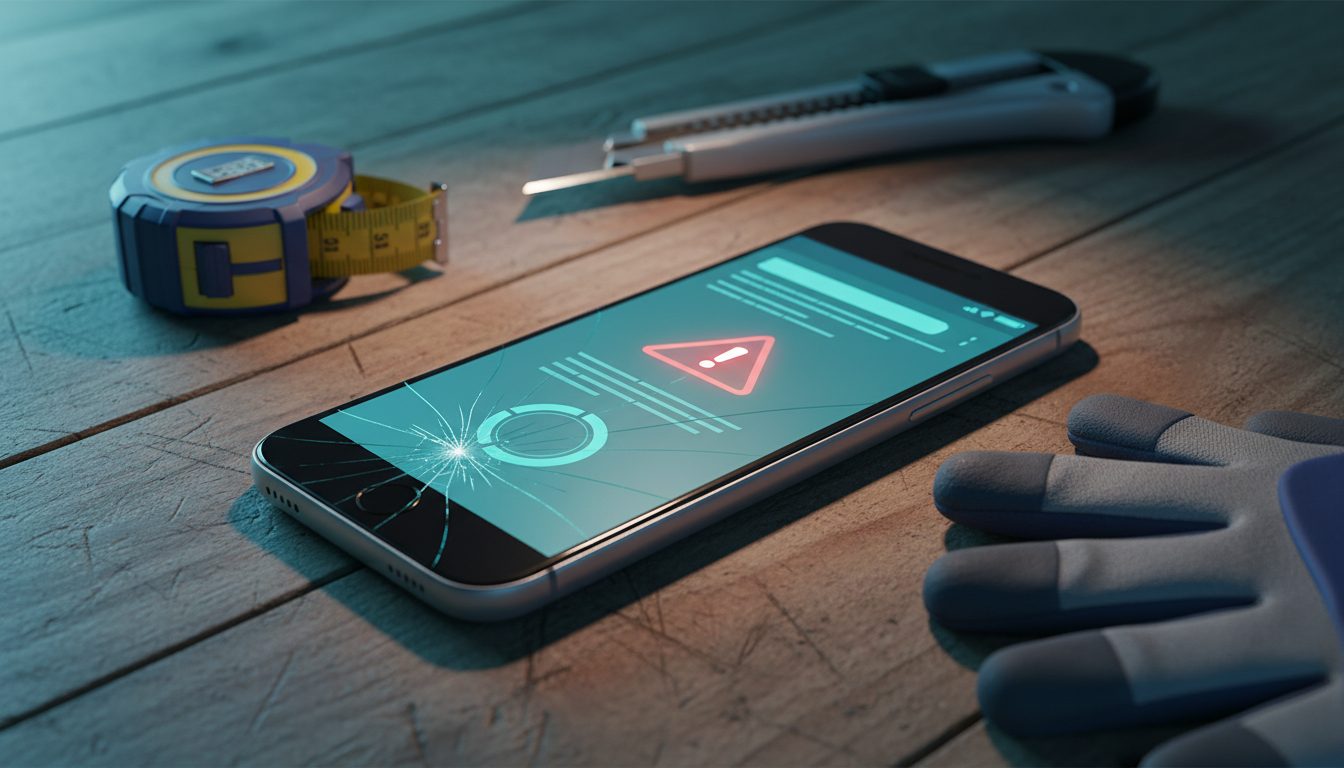
The fake e-transfer scam in Ontario works like this: a fraudster sends an SMS that looks exactly like an Interac notification, claiming a deposit is pending for your invoice. You or a staff member clicks the link, sees a convincing confirmation screen, and releases materials or starts the job — but no money ever arrived in your account.
Why Are Contractors Being Targeted?
Trades and construction businesses are attractive targets for this fraud for a few specific reasons. Invoice values are high — a roofing deposit or electrical rough-in payment can run several thousand dollars. Scheduling pressure is real: if a client says payment is sent, you want to get your crew moving.
Fraudsters exploit that urgency deliberately. Many small contractors also rely on a single person — often the owner — to handle both the job site and the billing, which means payment verification steps are informal and easy to skip under pressure. A landscaping company in Barrie or a plumbing outfit in Vaughan faces the same risk: the combination of high invoice values and lean admin staff makes the fraud reliably profitable for scammers.
What Does a Fake Interac Text Actually Look Like?
These messages are convincing. They typically include the Interac name or logo in the message body, your first name or business name to appear personalised, a dollar amount matching your invoice, and a link that looks plausible — something like interac-deposit.ca or e-transfer-confirm.net.
When you tap the link, you land on a page styled to look like a bank login. Some versions skip the login entirely and just show a green confirmation screen with a transaction number. That screen is the entire scam — it confirms nothing and triggers no real transfer. The goal is simply to make you believe the money has arrived before you have a chance to check your actual account.
How Do You Verify a Real Deposit?
The rule is simple: open your banking app directly — by tapping its icon, not a link — and look for the deposit in your account balance or transaction history. If the money is not there, it has not arrived. No exceptions.
A few additional steps worth building into your payment process:
- Enable auto-deposit on your business bank account. When auto-deposit is active, legitimate e-transfers land without any action from you, which means any SMS asking you to click and confirm is automatically suspicious.
- Set a firm policy: no materials released and no crew dispatched until the deposit appears in your account, not in a text message.
- For large jobs, consider requesting an EFT (direct bank transfer) or certified cheque instead of an e-transfer. These are harder to spoof and leave a clearer paper trail.
What Should You Do If a Team Member Already Clicked?
Act quickly. If someone on your team clicked a link and entered any banking credentials, contact your financial institution immediately to report potential account compromise. Change your online banking password and enable multi-factor authentication if it is not already active.
File a report with the Canadian Anti-Fraud Centre — they track these schemes nationally and the report costs you nothing. If the dollar amount is significant, file a police report with your local Ontario service as well. Document every text message, email, and communication with the person who claimed to have sent the payment.
Why Staff Training Matters More Than Technology Alone
Filters and security tools help, but this scam succeeds because it targets human behaviour under time pressure — not a software vulnerability. A single five-minute conversation with every person on your team who touches invoices or payment confirmations can prevent a four-figure loss. Walk them through what a fake notification looks like, and make the verification step — opening the banking app directly — a non-negotiable habit rather than an afterthought.
Revisit the conversation whenever you hire someone new or bring on a subcontractor who might receive payments on your behalf. Consistency is what closes the gap.
Protect Your Business Before Fraud Happens
Payment fraud is one of several cybersecurity risks that a structured review can surface before they cost you money. Book a cybersecurity risk assessment with MYDWARE to identify gaps in how your business handles payment verification, email security, and staff awareness — and get a clear plan to address them.
Darryl Cresswell
CEO & President
MYDWARE IT Solutions Inc.